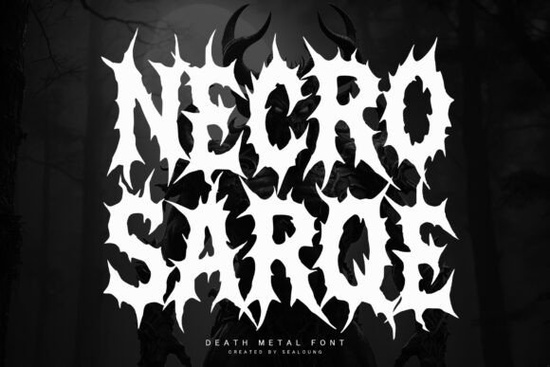
What makes this blackletter typeface different from standard gothic scripts?
Historical blackletter families focus on elegant calligraphy, but that approach rarely matches modern extreme music aesthetics. This font replaces polished curves with deliberate roughness. The letterforms mimic tangled roots with sharp spikes, creating a heavy visual weight that holds up well even at smaller sizes. Designers working on horror posters and band logos prefer this uneven baseline because it pushes layouts away from rigid grids into something that feels hand-carved.
Older gothic options often cause spacing issues or produce thin strokes that vanish on dark cotton. This specific display option balances thick stems with controlled irregularity, keeping characters distinct during screen printing or vinyl cutting. The naturally aggressive silhouette also reduces your need for complex backgrounds, saving time during the proofing stage.
Which creative projects actually require this level of intensity?
Not every layout benefits from sharp edges, but certain niches rely on them completely. Alternative merch shops, tattoo artists building flash sheets, and hobbyists making custom patches all use heavy typefaces to signal a specific mood before the viewer reads a single word. Reliable applications include:
- Tour merchandise: Band names and festival lineups that must remain visible on black or dark gray fabric.
- Music artwork: Album covers and digital banners that pair well with moonlit imagery or distressed textures.
- Print-on-demand goods: Hoodies, mugs, and decals marketed toward fans of death metal and dark ambient genres.
- Independent zines: DIY event flyers where heavy lettering immediately communicates a gritty, underground tone.
When building out a seasonal collection, mixing a sharper secondary typeface with cleaner body text usually prevents visual fatigue. Buyers still need to scan dates and pricing quickly, so keep the hierarchy obvious. You can also layer it with textured alternatives for poster backgrounds, but always let the main title carry the weight while supporting details stay simple and readable.
How do you adjust spacing without ruining the jagged aesthetic?
Working with heavy, uneven type requires a slightly different approach than standard typography. Tight tracking makes the thorn-like edges bleed together, especially when printed on matte paper or rough canvas. Start by loosening letter spacing just enough to separate the sharp terminals. For digital previews, add a minimal outer glow or a thin contrasting stroke to push the text off dark backgrounds. If you are preparing files for physical products, convert the text to vector paths and inspect the anchor points. This prevents unexpected gaps during laser cutting or die stamping.
Layering works best when the typography remains the clear focal point. Avoid placing it over busy photographs or complex patterns. A solid backdrop with low contrast usually lets the chaotic silhouettes stand out without competing for attention. For creators expanding their dark typography toolkit, exploring additional gothic collections helps you find secondary fonts that match specific seasonal campaigns or subgenres. Always maintain consistent spacing across your product line so buyers recognize your visual identity instantly.
What technical steps prevent costly printing errors?
Before uploading artwork to a production partner or merch platform, verify that your files meet resolution and color requirements. Always convert type to outlines to avoid missing font warnings during file processing. Preview your design at actual print size, because screen scaling rarely shows how thick strokes behave under real lighting. If you want to research the structural rules behind heavy display lettering, reviewing Necrosarqe Regular design principles can help you refine your layout choices.
Run through this quick checklist before exporting your final files:
- Adjust tracking manually to prevent sharp edges from overlapping or disappearing.
- Convert text to curves so production software reads shapes instead of relying on installed fonts.
- Test on actual substrates by printing a small draft or ordering a single sample.
- Export in required formats like SVG for cutters, high-resolution PNG for digital stores, and PDF/X for offset printing.
- Confirm commercial licensing covers your exact product types and distribution limits.
Take time to verify spacing, convert paths, and check contrast on physical materials. Once your files are clean and properly formatted, you can upload or send them to production with confidence.
Learn More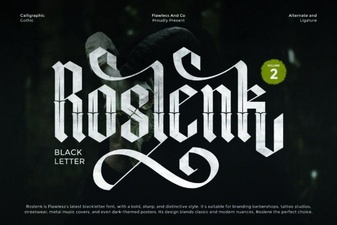 Roslenk Volume 2: Project Design Ideas & Font Usability
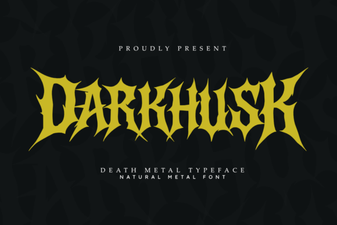 Darkhusk Font: Design Inspiration & Creative Projects
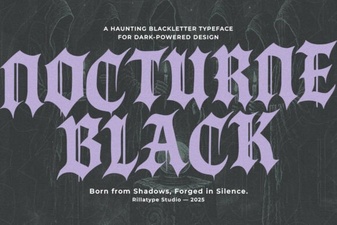 Nocturne Black Font: Elegant Designs for Your Projects
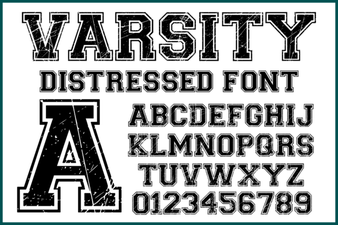 Varsity Distressed Font: Style and Design Ideas
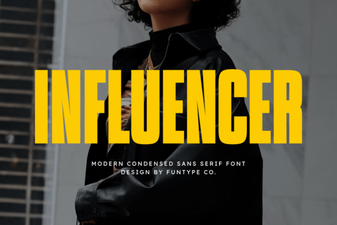 Crafting Font Styles for Social Media Influencers
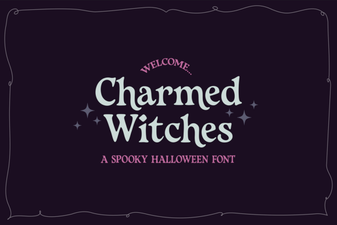 Charmed Witches Font for Your Creative Projects