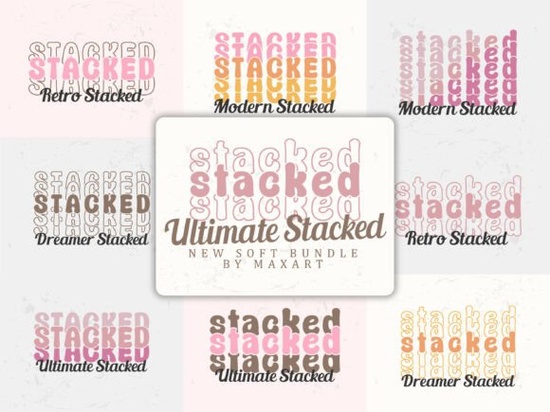
If you need bold lettering that instantly grabs attention, the Ultimate Stacked Font delivers exactly that. This decorative typeface collection uses layered characters, soft rounded edges, and built-in shadow effects to create instant depth. Instead of manually stacking letters or adding drop shadows in your software, you get a ready-made display sans-serif that handles the heavy lifting. It works well for designers, print-on-demand sellers, and small business owners who want professional headlines without spending hours on typography adjustments.
What makes a stacked typeface actually readable?
Layered fonts can easily turn into a visual mess if the weight and spacing are off. This collection avoids that problem by using a display sans-serif structure with exaggerated weight contrast and careful vertical repetition. The rounded character shapes keep the letters friendly, while overlapping shadows add dimension without sacrificing clarity. Each style, from retro cuts to softer dreamlike variations, maintains a consistent rhythm. That consistency matters when you design across social posts, shop banners, or packaging.
When you are exploring this stacked typeface collection, notice how the built-in layering interacts with different backgrounds. Dark tones make the shadow effects pop, while light palettes keep the layout feeling airy. The font family is crafted to hold up at large sizes, which is exactly where decorative lettering belongs.
Which projects actually benefit from this kind of lettering?
Not every design needs a bold, layered headline, but certain formats thrive on it:
- Print-on-demand merchandise: Shirts, totes, and mugs need type that reads quickly. The vertical stacking makes short phrases stand out on fabric and ceramics.
- Social media graphics: Platforms reward clear, high-contrast text. The built-in dimension helps your words cut through busy feeds without extra effects.
- Nostalgic branding and posters: Retro and dreamlike variations tap into vintage aesthetics while keeping a clean structure. That balance works well for cafes and local markets.
- Crafting and digital downloads: If you sell printable art or cut files, the rounded edges and consistent spacing make weeding much smoother for hobbyists.
If your workflow usually leans toward softer decorative lettering options, you can still use this family as an accent. Pair a single stacked word with a clean body font to create visual hierarchy without overwhelming the viewer.
How do you format layered fonts without cluttering your layout?
Working with pre-stacked type requires a different approach. The letters already carry visual weight, so give them room to breathe. Increase your line height slightly, even for one or two words. Extra vertical space prevents shadow layers from blending into nearby elements. Stick to short phrases. Stacked fonts are display typefaces built for impact, not paragraphs. Three to five words usually hit the sweet spot.
Color choice matters just as much as spacing. Because the characters include overlapping shadows, high-contrast palettes work best. Try a deep base color with a lighter accent layer, or reverse it for a subtle retro feel. Avoid gradients that run directly through the letterforms, as they flatten the built-in dimension. Most design programs handle these layered glyphs automatically, but you may need to enable OpenType features in Illustrator or Canva to access alternate weights. Taking a minute to check your software settings saves time later. If you want to see how other creators apply similar display typefaces, you can browse the Ultimate Stacked Font library for layout inspiration and licensing details.
When pairing fonts, keep the secondary typeface simple. A neutral sans-serif or light serif steps back and lets the stacked headline do the talking. Resist adding extra drop shadows or outlines in your software. The typeface already includes those effects, and doubling them will only make your final export look muddy.
Quick setup checklist before you export
- Set headline size to at least 72pt for digital use, and scale proportionally for print.
- Increase tracking slightly if stacked letters feel too tight on wide screens.
- Test your design in grayscale first to confirm contrast holds up without color.
- Export high-resolution PNG or PDF files with embedded fonts to prevent layer shifting.
- Review commercial license terms if you plan to sell physical products or templates.
Save your working files in editable formats before flattening. This habit lets you swap color variations quickly when clients request revisions or when seasonal trends shift. Start with a single variation, test it on your actual product mockup, and adjust spacing before committing to a full campaign. Small tweaks to alignment and background contrast usually make the difference between a rough draft and a polished, ready-to-sell design.
Learn More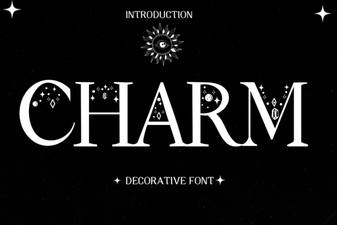 Charm Fonts: Creative Designs for Modern Projects
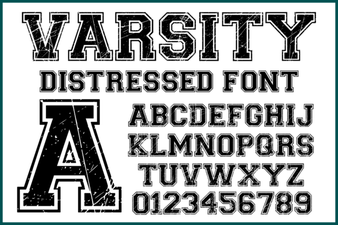 Varsity Distressed Font: Style and Design Ideas
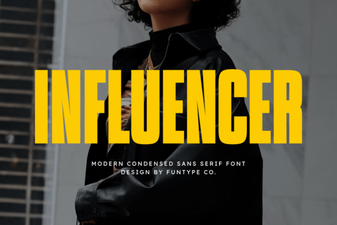 Crafting Font Styles for Social Media Influencers
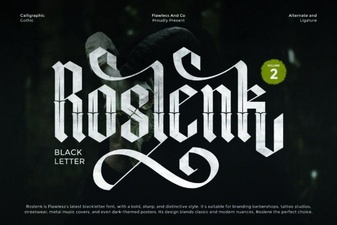 Roslenk Volume 2: Project Design Ideas & Font Usability
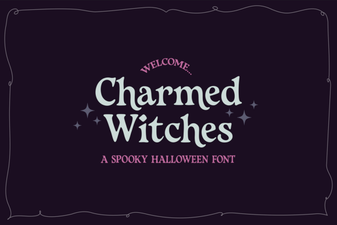 Charmed Witches Font for Your Creative Projects
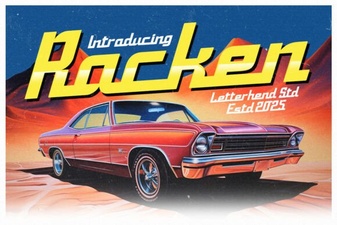 Discover the Racken Font: Design & Project Ideas